


Flip Features
From handwriting controls to splitting roles between host and answerers, everything you need to use a flip board on stream.
Handwriting or keyboard — switch in one tap
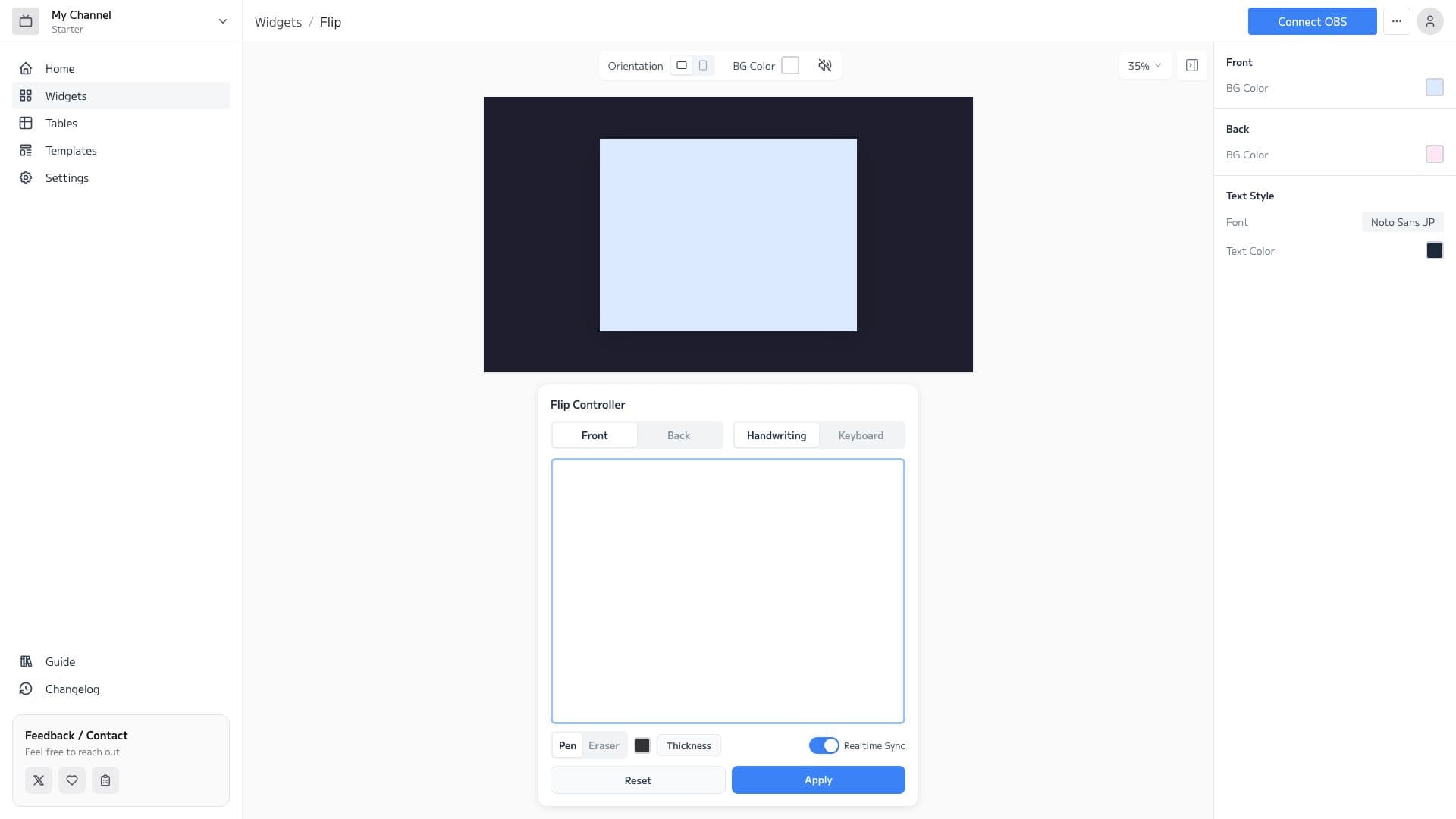
Quiz answers or a quick shout-out — the dedicated controller switches between handwriting and keyboard input instantly, so you can present things the way the moment calls for.
- Adjust pen color and thickness freely
- Fix details with the eraser
- Input appears on stream in real time
Hide the answer, flip to reveal
Keep the answer hidden on the back, then flip to reveal. Each face has its own background, and you can choose whether to animate the flip. The front background switches in one tap from the controller — change the color when revealing the correct answer, for example.
- Separate background colors and patterns per face
- Choose rotate animation or none
- Switch backgrounds in one tap from the controller
Hide the answer, flip to reveal
Keep the answer hidden on the back, then flip to reveal. Each face has its own background, and you can choose whether to animate the flip. The front background switches in one tap from the controller — change the color when revealing the correct answer, for example.
- Separate background colors and patterns per face
- Choose rotate animation or none
- Switch backgrounds in one tap from the controller
Host and answerers, each with their own controls
Share the controller URL and several people can operate the same flip together. Answerers write on their phones, and the host flips the board or switches the background to reveal the answer, so you can split the roles to run a quiz segment.
- Join co-editing just by sharing a URL
- Answerers can write their answers from a phone
- The host runs the show with face flips and background switches
How to Set Up
3 easy steps to use the Flip widget in OBS
Configure widget and get URL
Customize the appearance in the widget editor and copy the generated URL.
Add Browser Source to OBS
Click '+' → 'Browser' in OBS Sources panel and paste the copied URL.
Adjust Size & Position
Adjust the widget's size and position to fit your stream layout, and you're done!