


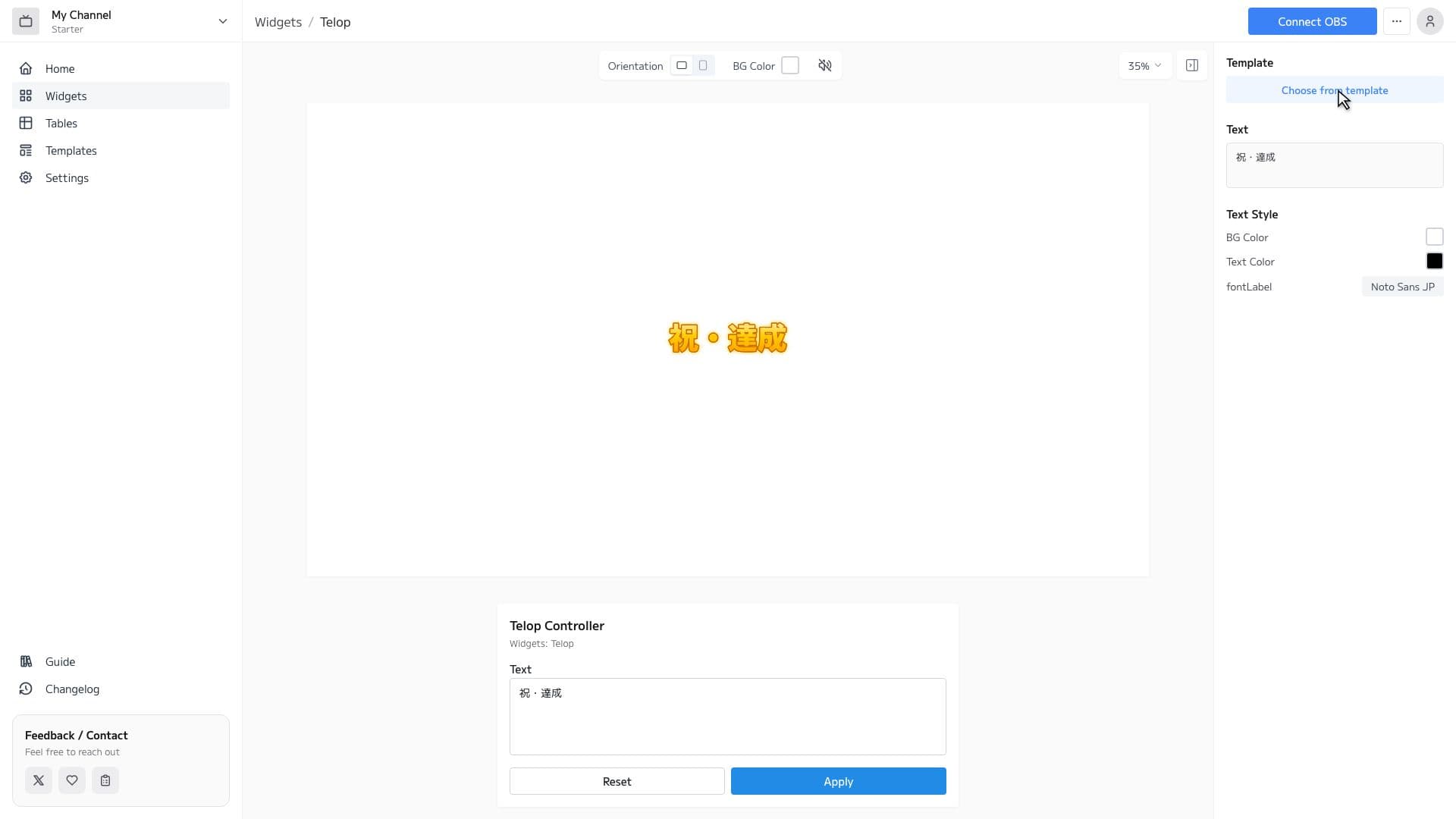
Telop Features
Rich Font Selection
Choose from over 1,600 Google Fonts. Create telops that match the atmosphere of your stream.
Full Customization
Adjust font, text color, background, borders, and shadows with just clicks. No CSS knowledge required.
Animation Support
Set up animations like scrolling and fade-in to display eye-catching telops.
Switch between texts
Register multiple texts and labels in a list, then switch through them in order with the controller’s Next button while live. Choose fade or slide for the transition and move through topics like a news program.
Labels
Place up to two labels (chips) such as “BREAKING” or “NEW” anywhere outside or inside the telop box. Each label’s fill, border, shadow, and font can be set individually, giving your telop a news-broadcast look.
Highlight key words with AIBETA
An AI running in your browser automatically detects key words in your telop and highlights them with a separate color, border, and shadow. The detection runs on your device. Just type your text to create news-style emphasis (WebGPU-capable PC only).
How to Set Up
3 easy steps to use the Telop widget in OBS
Configure widget and get URL
Customize the appearance in the widget editor and copy the generated URL.
Add Browser Source to OBS
Click '+' → 'Browser' in OBS Sources panel and paste the copied URL.
Adjust Size & Position
Adjust the widget's size and position to fit your stream layout, and you're done!